Resume Writing Lesson for High School Students
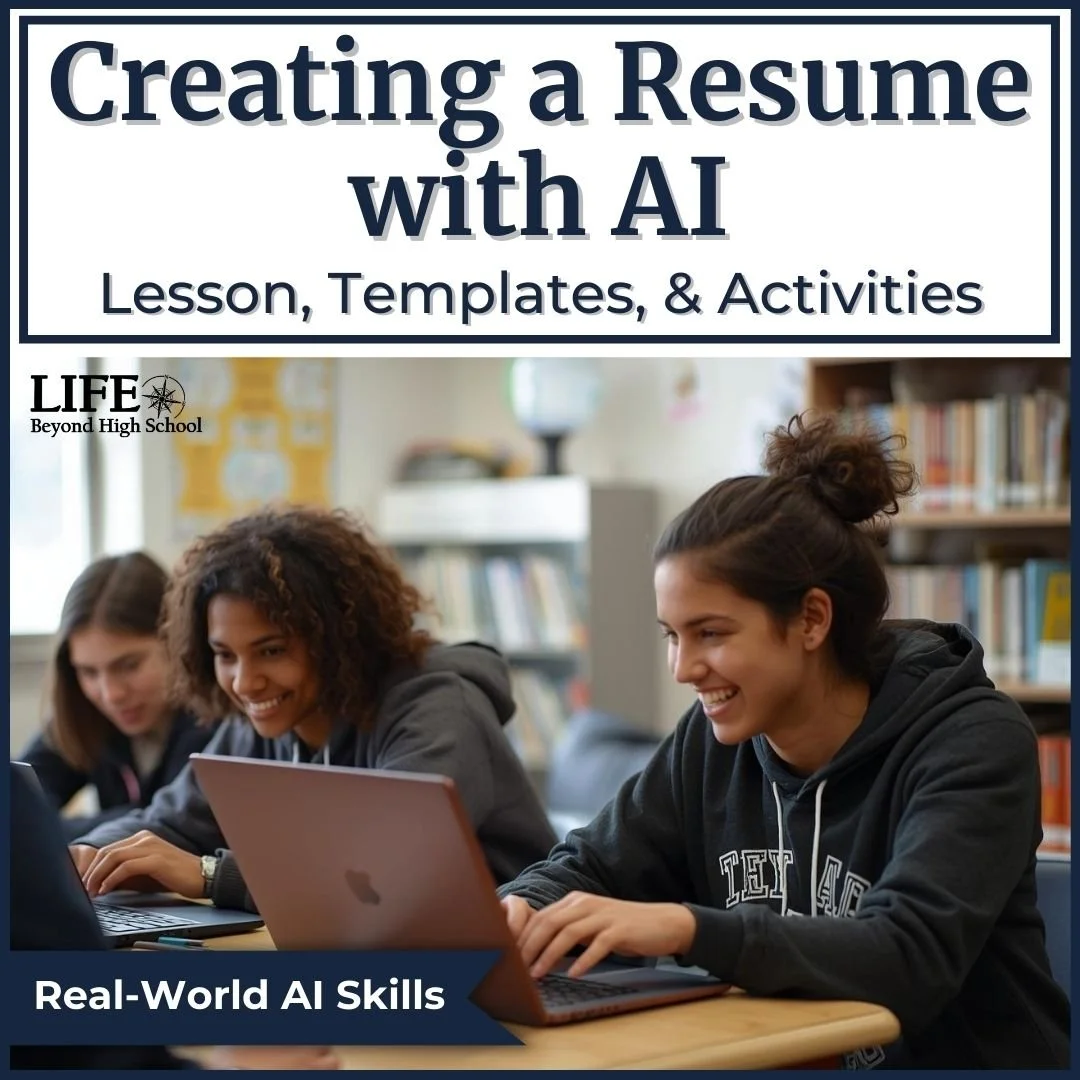
Help students create a professional resume while learning how to use AI responsibly.
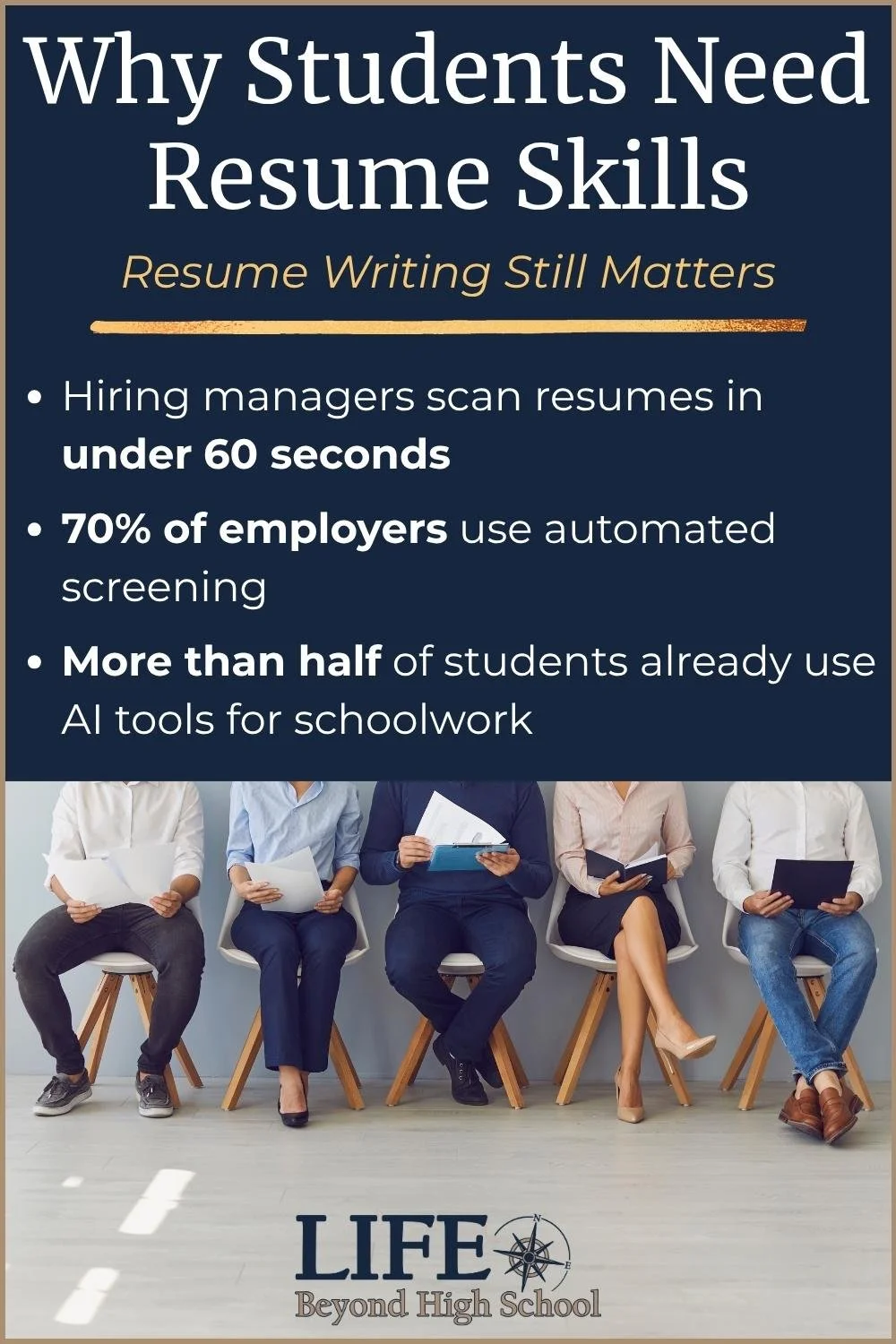
This resume writing lesson for high school students teaches the fundamentals of a strong resume before students begin working with artificial intelligence. Students learn what employers look for, analyze common resume mistakes, brainstorm their own skills and experiences, write an effective AI prompt, and revise the results into a resume they can actually use.
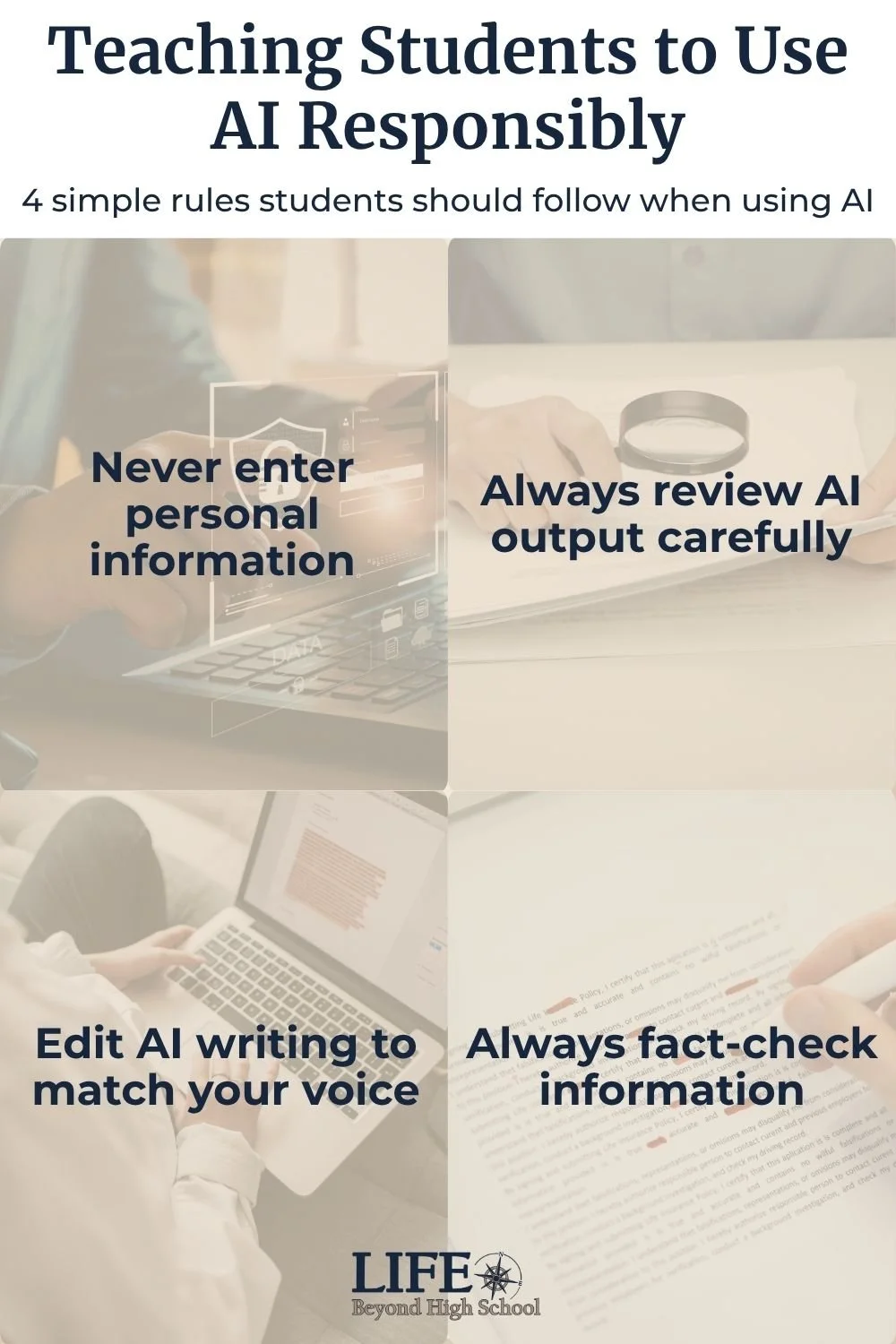
The focus stays on the student throughout the process. AI can help with wording, organization, and ideas, but students still need to make decisions, check the information, proofread their work, and take ownership of the final product.
What Students Learn
Students work through the resume writing process from beginning to end, including:
What a resume is and why employers use one
The key sections of a professional resume
Common resume mistakes to avoid
How employers review resumes
How to identify skills, education, and experience to include
How to write a useful AI prompt
Why AI-generated information needs to be reviewed and fact-checked
How to protect personal information when using AI
How to revise and proofread AI-generated content
How to create a polished final resume
Students build their resume knowledge first, then apply what they have learned when they begin using AI.
Resume Makeover Activity
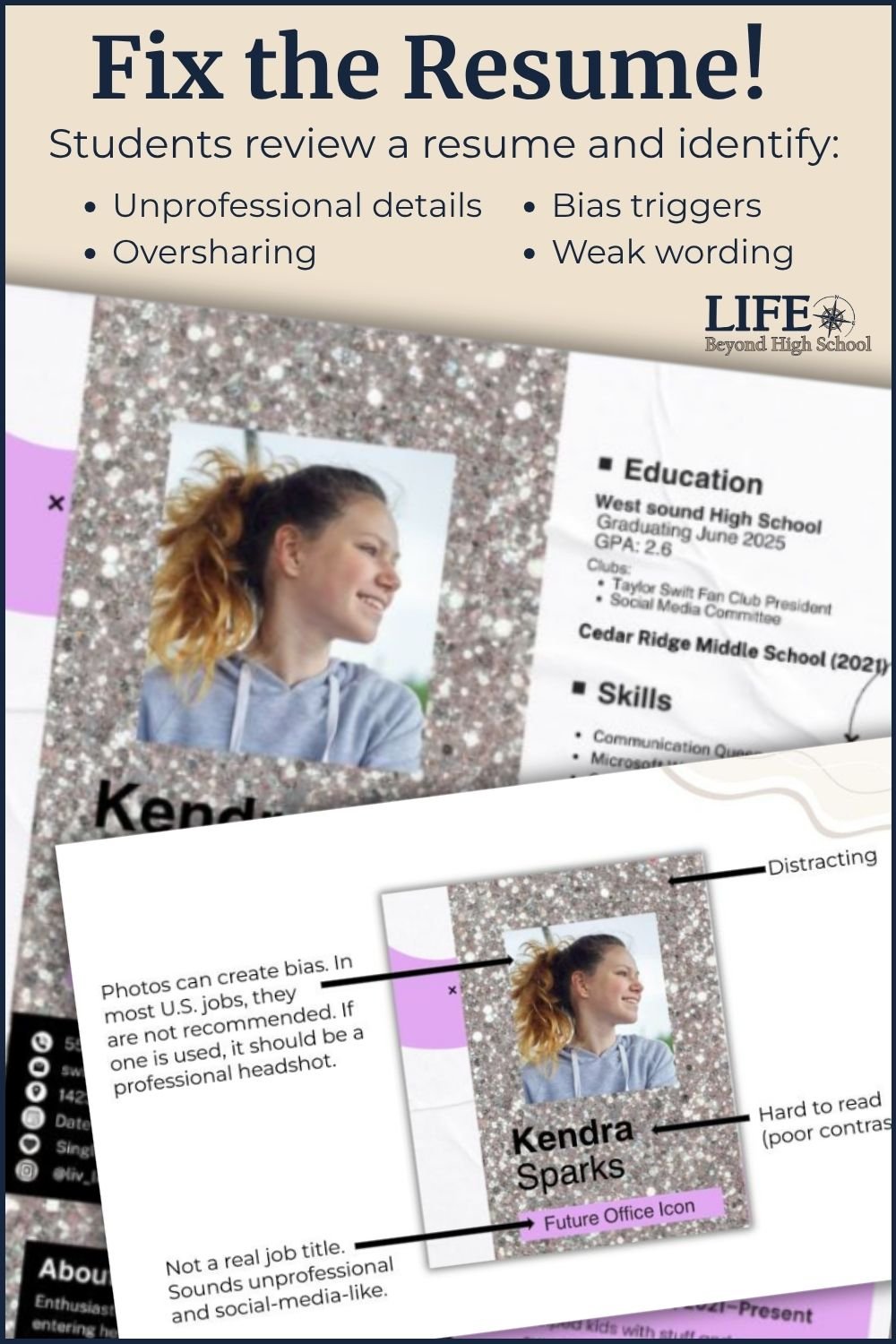
Before creating their own resumes, students get a chance to critique someone else's.
The Resume Makeover activity features a deliberately bold and gaudy sample resume. Students identify problems, discuss what they would change, and consider what makes a resume look professional and easy to read.
It gives students a chance to look at a resume from an employer's perspective before making decisions about their own.
From Brainstorm to Finished Resume
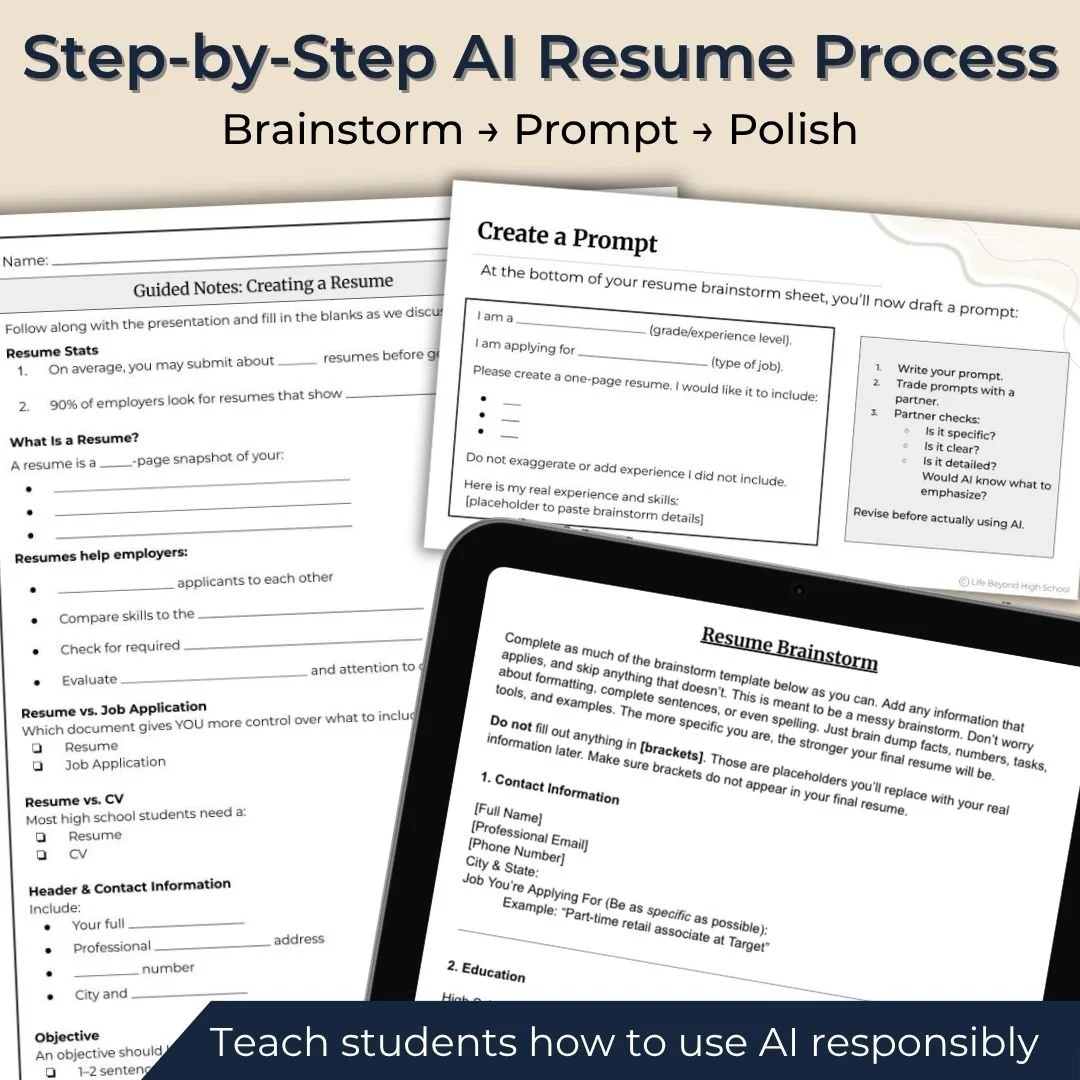
Students don't begin with a blank document or immediately ask AI to create a resume.
Instead, they work through the process step by step:
Learn the basics → Analyze a resume → Brainstorm → Write an AI prompt → Generate → Review → Revise → Proofread → Finalize
By the end of the lesson, students have a professional resume they can use and update as they gain new skills and experience.
What's Included:
Everything is classroom-ready:
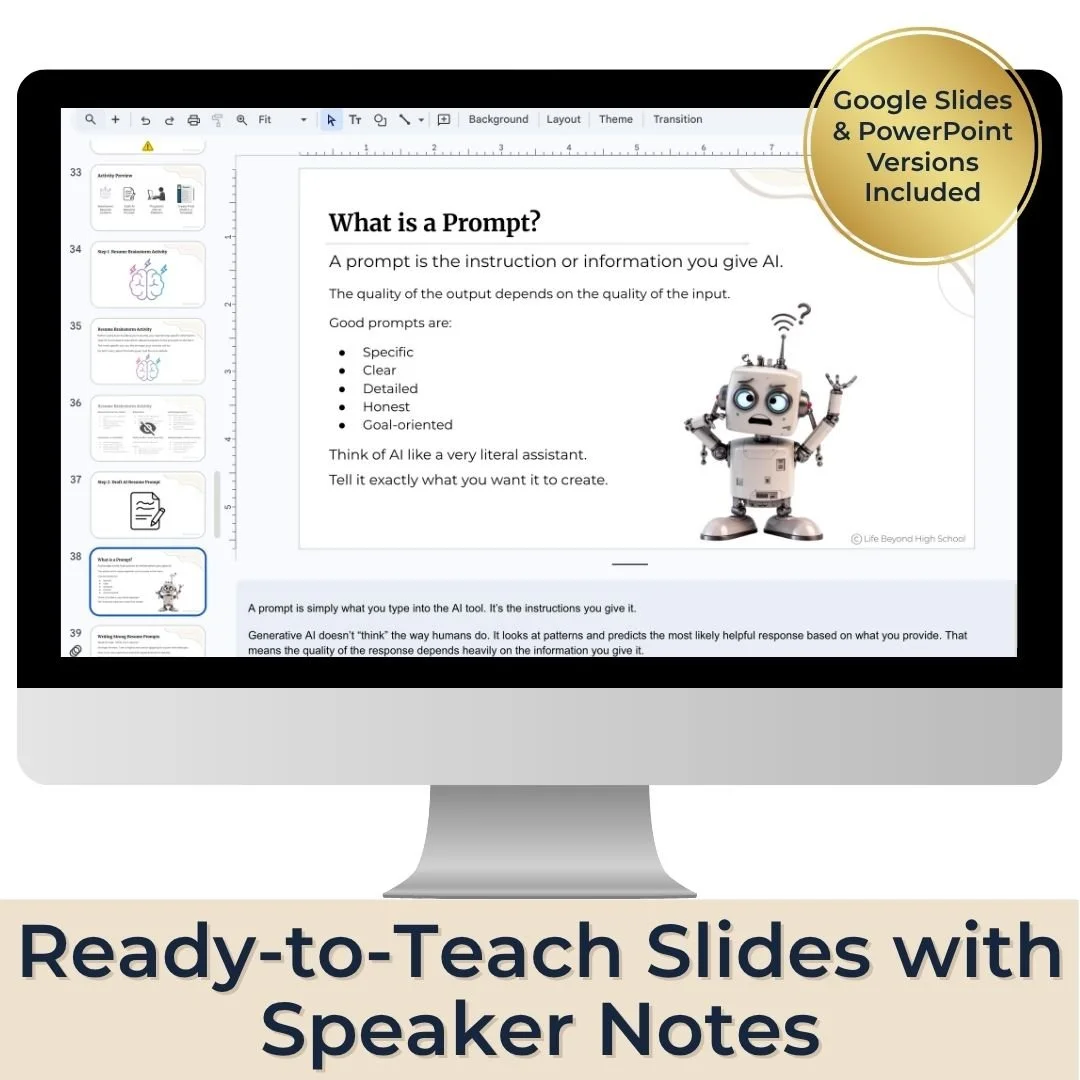
Editable presentation in Microsoft PowerPoint and Google Slides
Guided notes in print and digital formats
Resume brainstorm template in Google Docs and Microsoft Word
Resume template in Google Docs and Microsoft Word
Sample resume and cover letter exemplars
Resume Makeover activity with answers
AI prompt example
Exit ticket reflection
Sample responses
Lesson plan
Who Is This Resume Lesson For?
This two-part lesson works well for:
Career readiness classes
High school transition programs
Special education classrooms
AVID
Advisory
Study skills classes
CTE pathways
End-of-year or semester career units
Young adult transition programs
Students do not need prior resume writing experience. Guided notes, examples, templates, and a step-by-step process provide support throughout the lesson.
Students will need a device, internet connection, and access to an AI platform for the AI portion. The resume brainstorm can be completed offline before students begin working with AI.
Real-World Digital Skills
One of my favorite parts of teaching this lesson is that resume writing creates opportunities to practice other digital skills students will need after high school.
Students may need to learn how to save a document as a PDF, name a file professionally, attach a document to an email, write an appropriate subject line, or decide what personal information should be shared online.
These are small skills, but they come up frequently when students begin applying for jobs and managing professional communication on their own.
Want more ideas for teaching resume writing with AI? Read the related Resume Writing Lesson Using AI for High School Students blog post.
Teaching a Full Employment Unit?
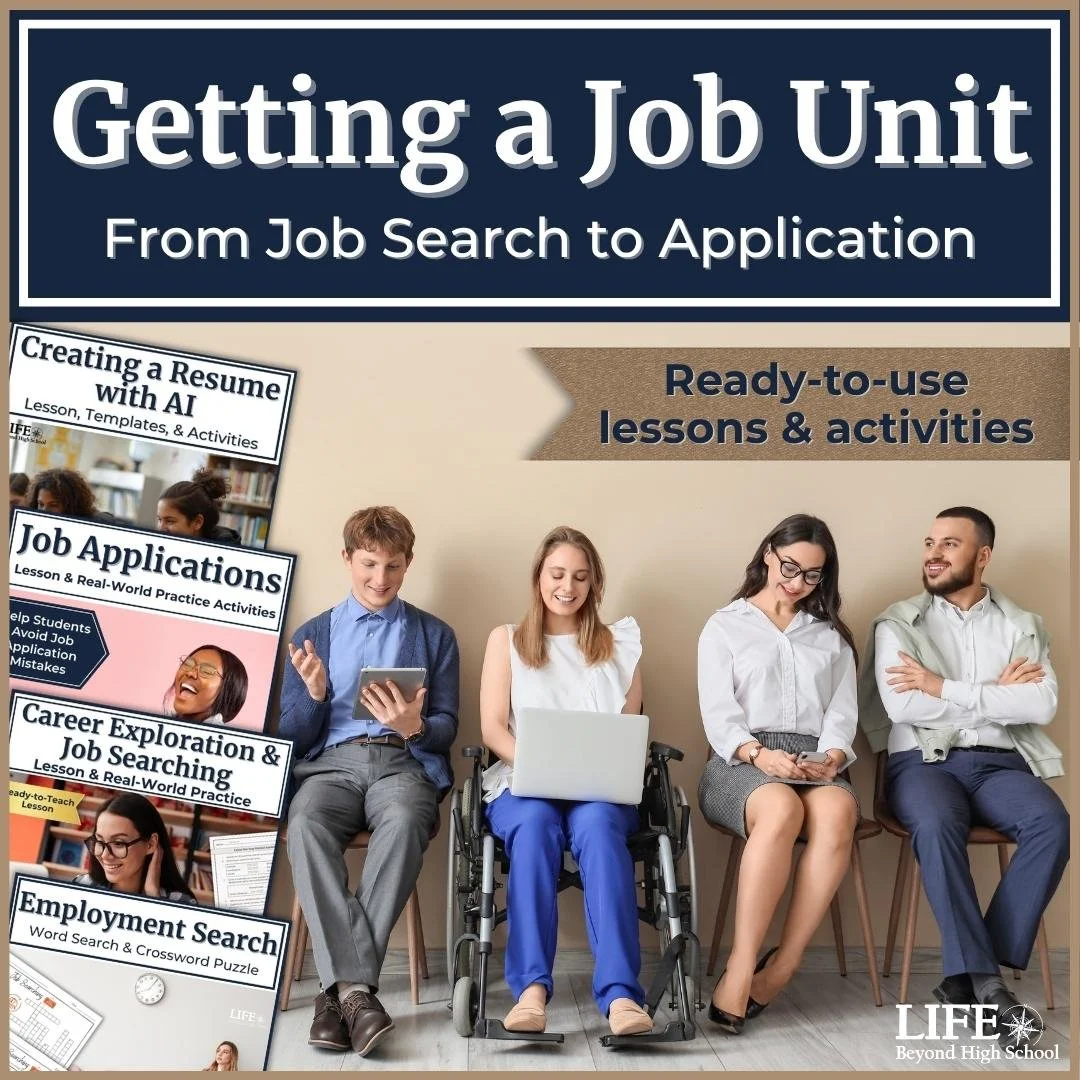
The AI Resume Lesson is also included in the Getting a Job Unit, which takes students through several parts of the hiring process, including searching for jobs, completing job applications, and creating a resume.
If you're planning a larger employment or career readiness unit, you can save by purchasing the bundle.
Help Students Create a Resume They Can Use
Give students a structured introduction to resume writing while teaching them how to use AI thoughtfully and responsibly. Students finish the lesson with a professional resume they can use when they begin applying for jobs.